A reason to begin
Discovery opens around an interest, intention or place.
Snug Social Hub / Device preview
Choose a platform to inspect the current interface direction. Each set follows a different route through discovery, profiles, conversation and planning.
Choose a platform
Begin with active matches on iPhone, then move into the group conversation on iPad.
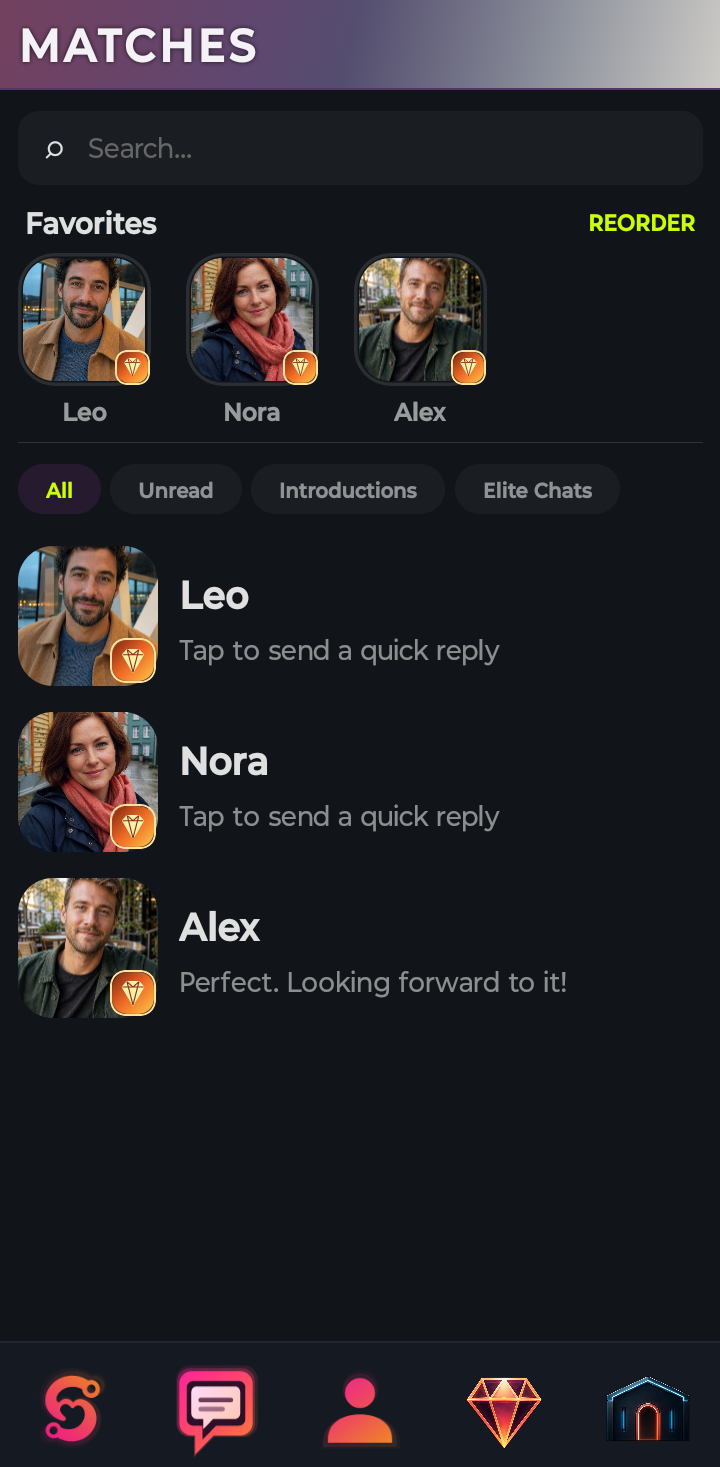
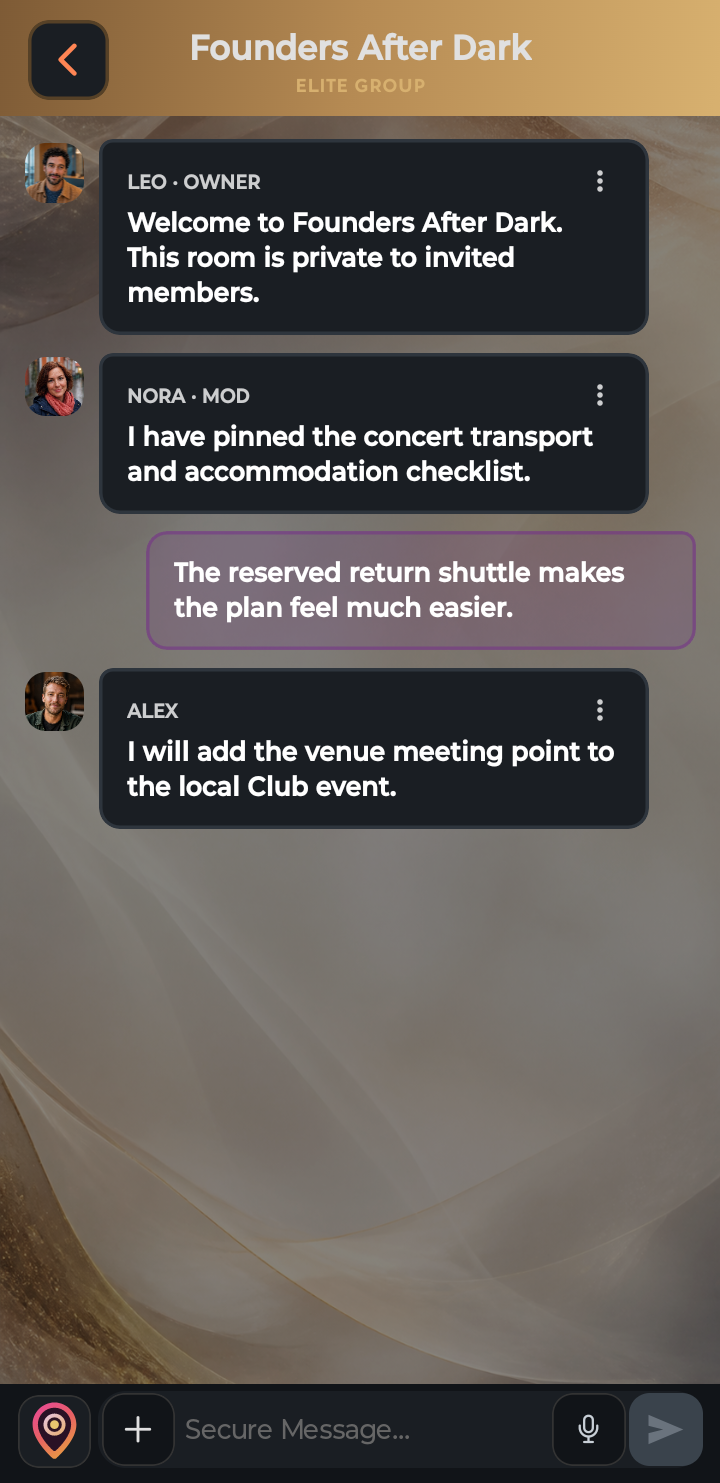

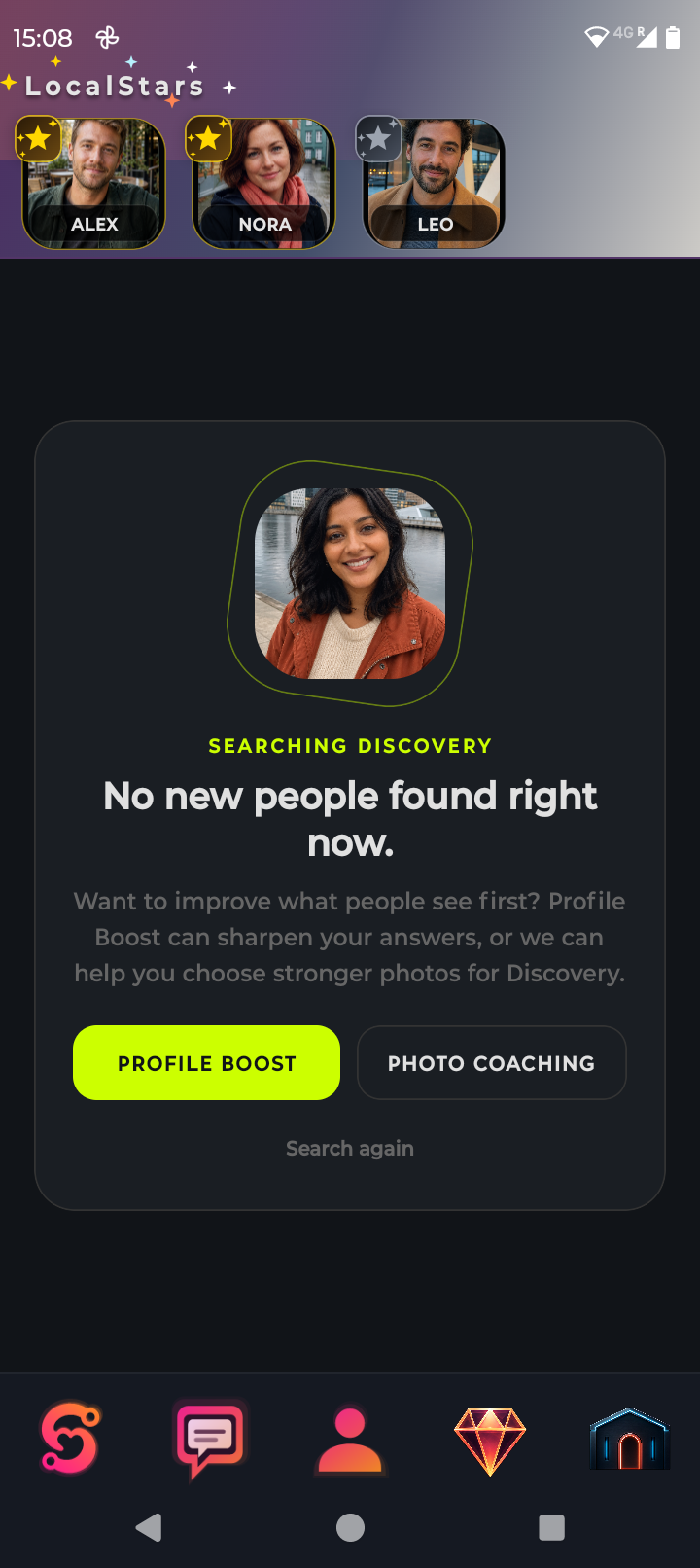
Use the Pixel preview to browse discovery, then inspect a profile and active conversation on the larger screen.
What this preview proves
Discovery opens around an interest, intention or place.
Profiles and circles add information before asking for commitment.
Conversation can develop into something scheduled and shared.
Preview only
The selectors above change the guided preview; they do not connect to Apple, Google or a live application build.